
👛
Find winning traders
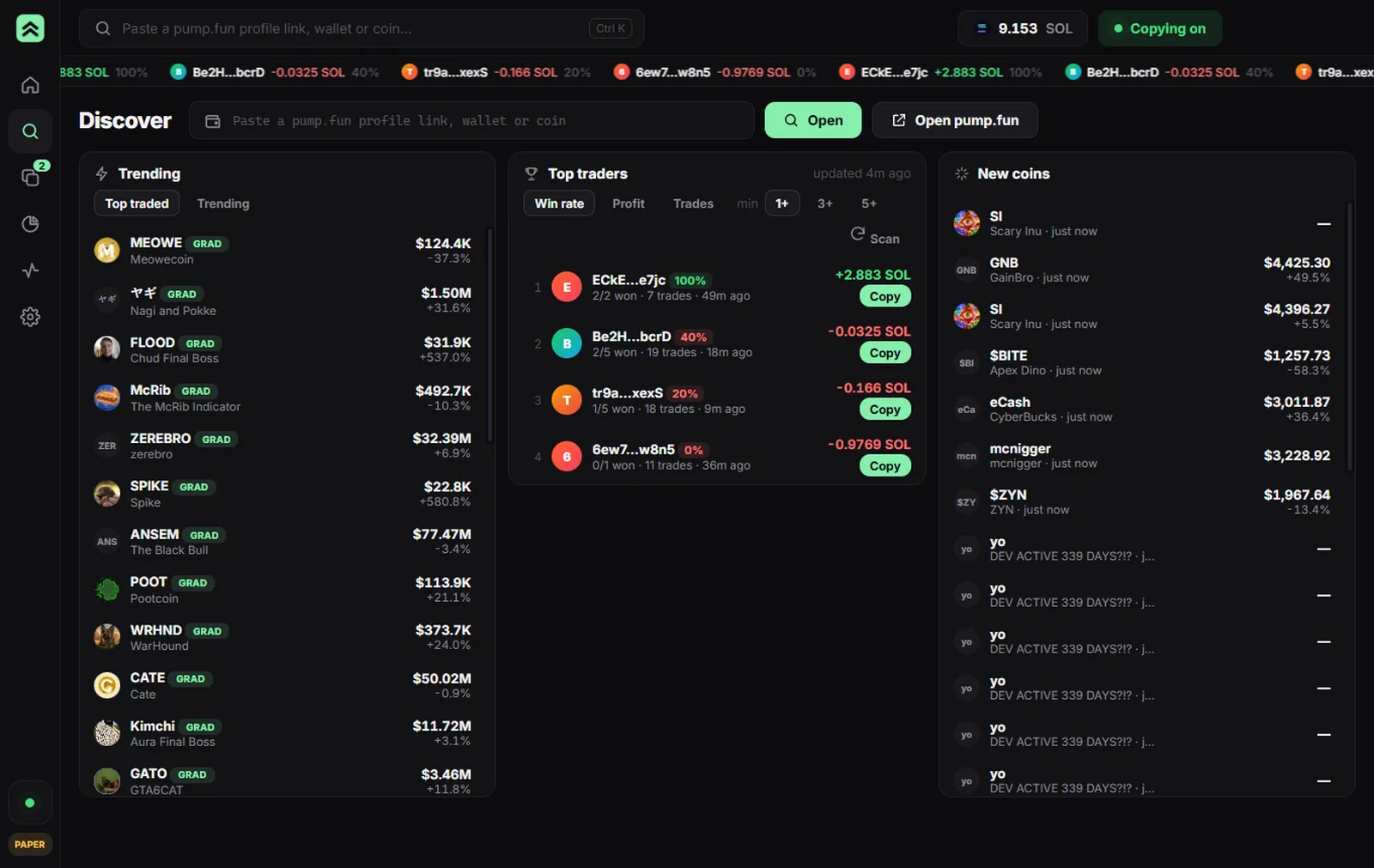
Browse hot pump.fun coins and a leaderboard of their traders ranked by real win rate and profit — or copy a trader's address on pump.fun and AutoPump picks it up instantly.
Paste a trader's pump.fun profile link, hit Copy. Every buy and sell they make is mirrored into your wallet within seconds — with your sizing and your limits.
Browse hot pump.fun coins and a leaderboard of their traders ranked by real win rate and profit — or copy a trader's address on pump.fun and AutoPump picks it up instantly.
The engine watches each trader's Solana wallet live. When they buy, you buy. When they sell 40% of a bag, you sell 40% of yours.
Every new install simulates trades with real Jupiter quotes. Watch a trader's real performance before you put a single SOL on the line.
Fixed SOL or % of their size, max per trade, daily spend cap, SOL reserve, max positions, auto take-profit and stop-loss.
Turn on Run 24/7 on a spare PC and the bot never sleeps. Pair your desktop app with a 6-digit code — no ports, no accounts.
Use a dedicated trading wallet. Its key is encrypted on the machine that runs the bot, sent over the LAN encrypted, and never uploaded anywhere.
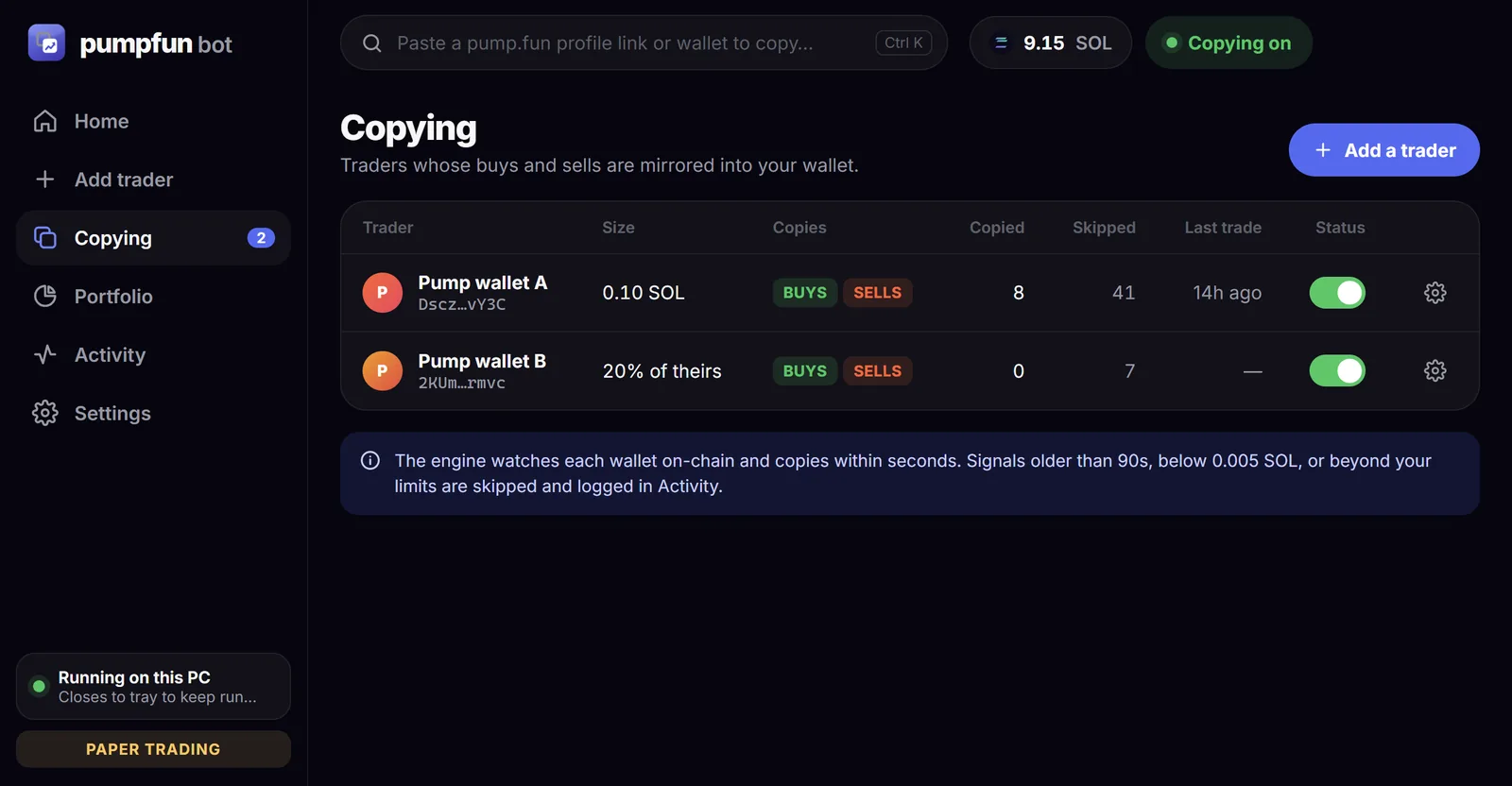
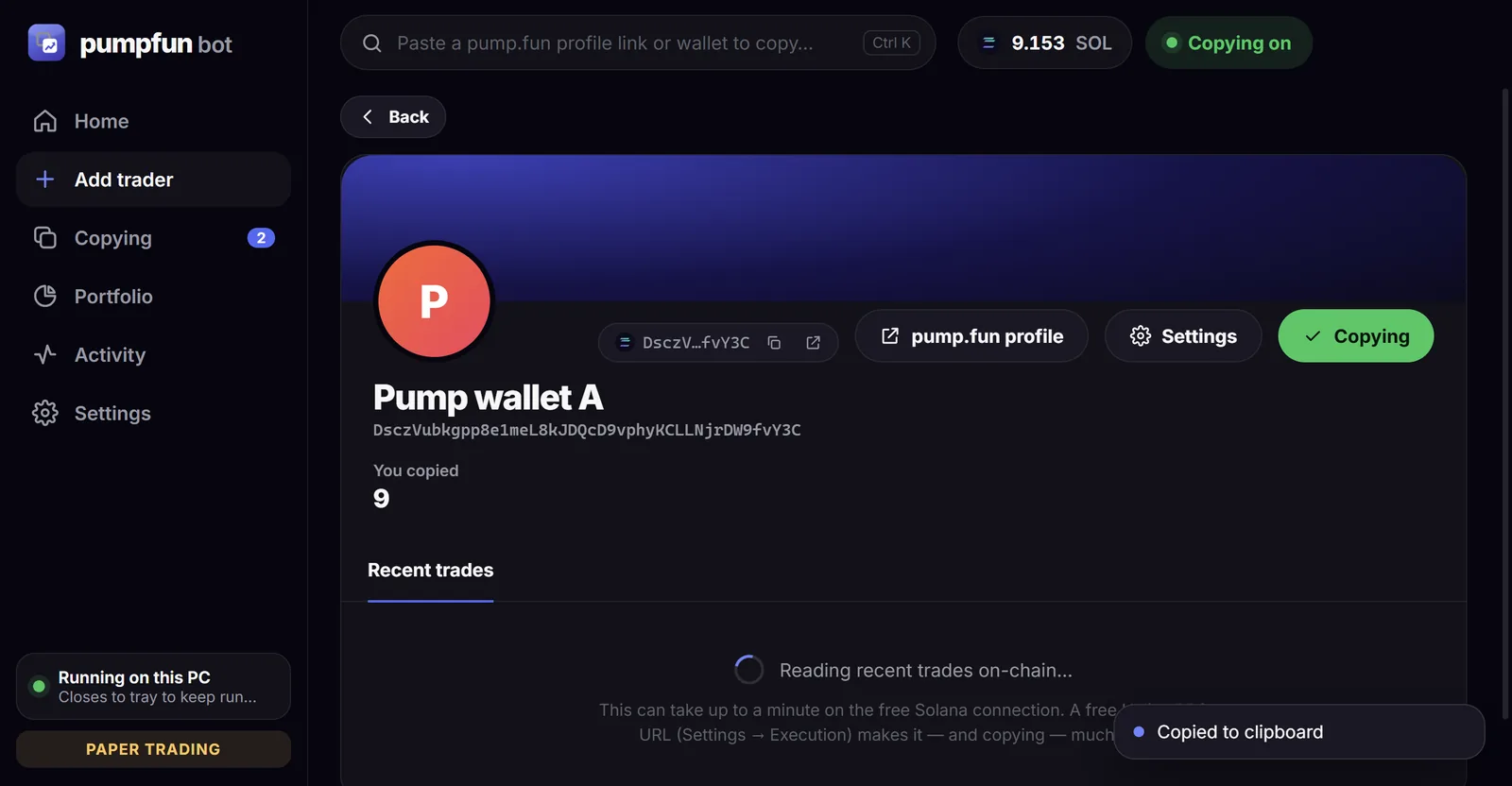
On pump.fun, click a trader in any coin's trades and copy their profile link. Paste it in to see what they bought and sold recently.
Choose a fixed SOL amount or a % of their size, and whether to copy buys, sells or both.
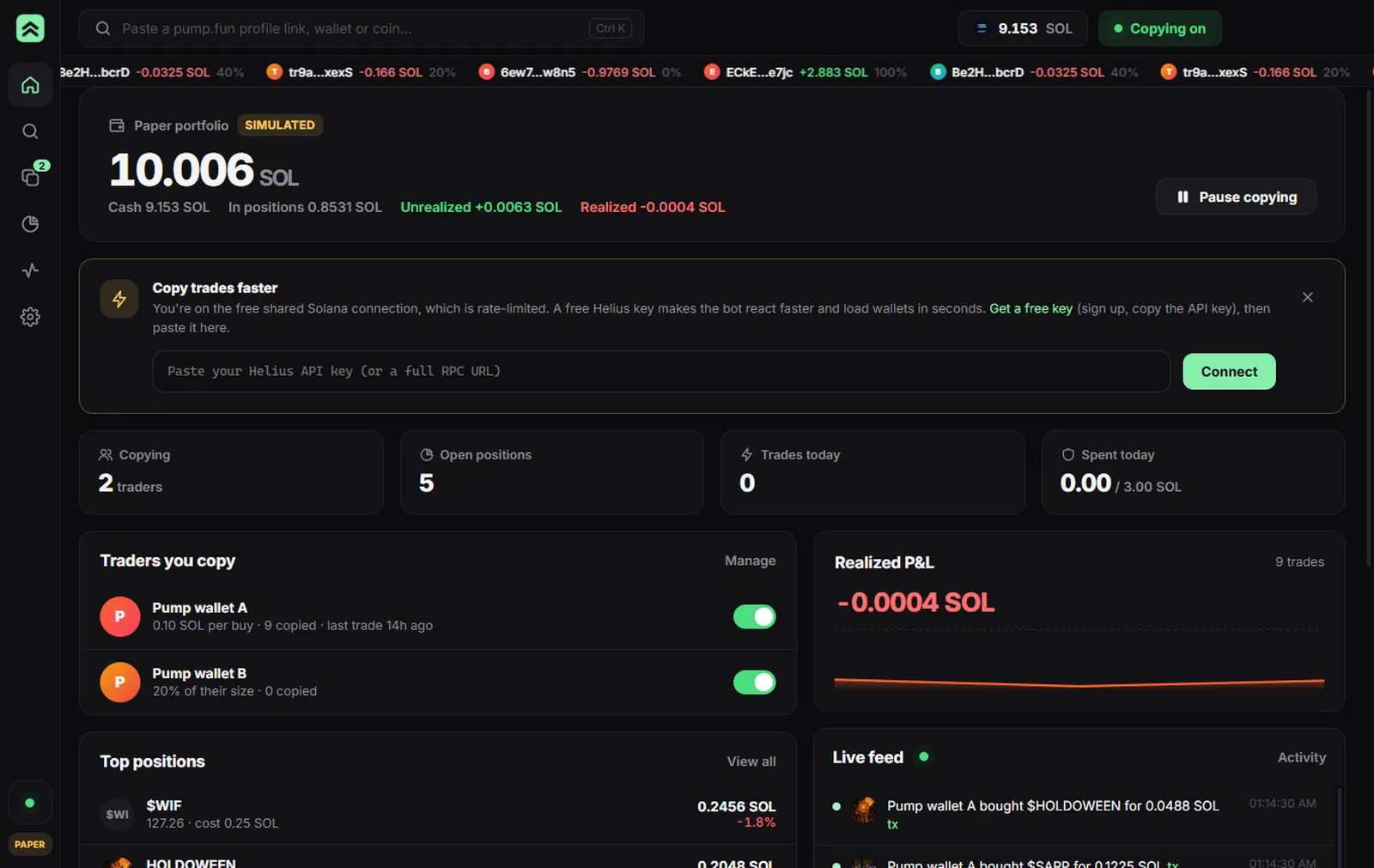
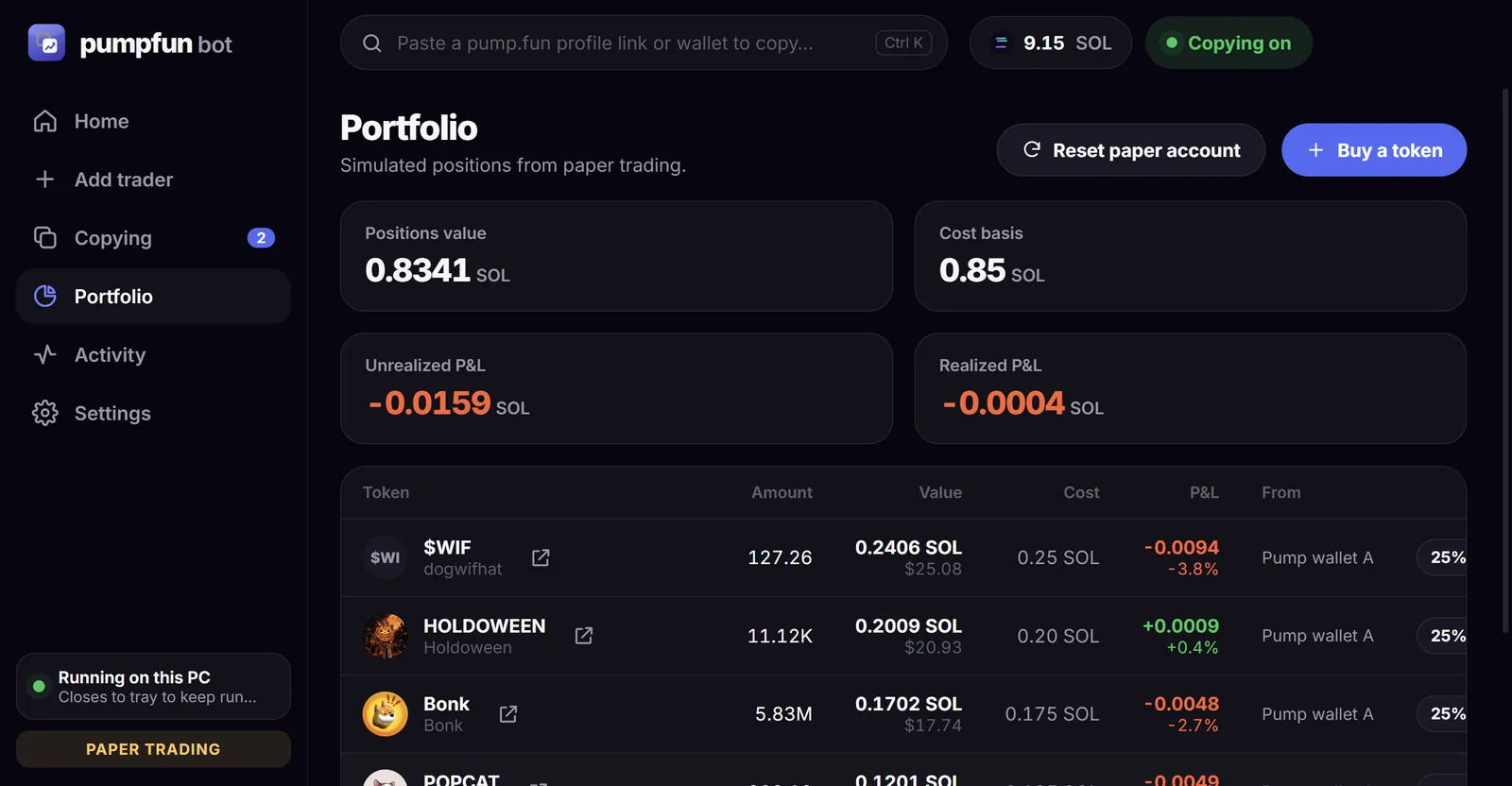
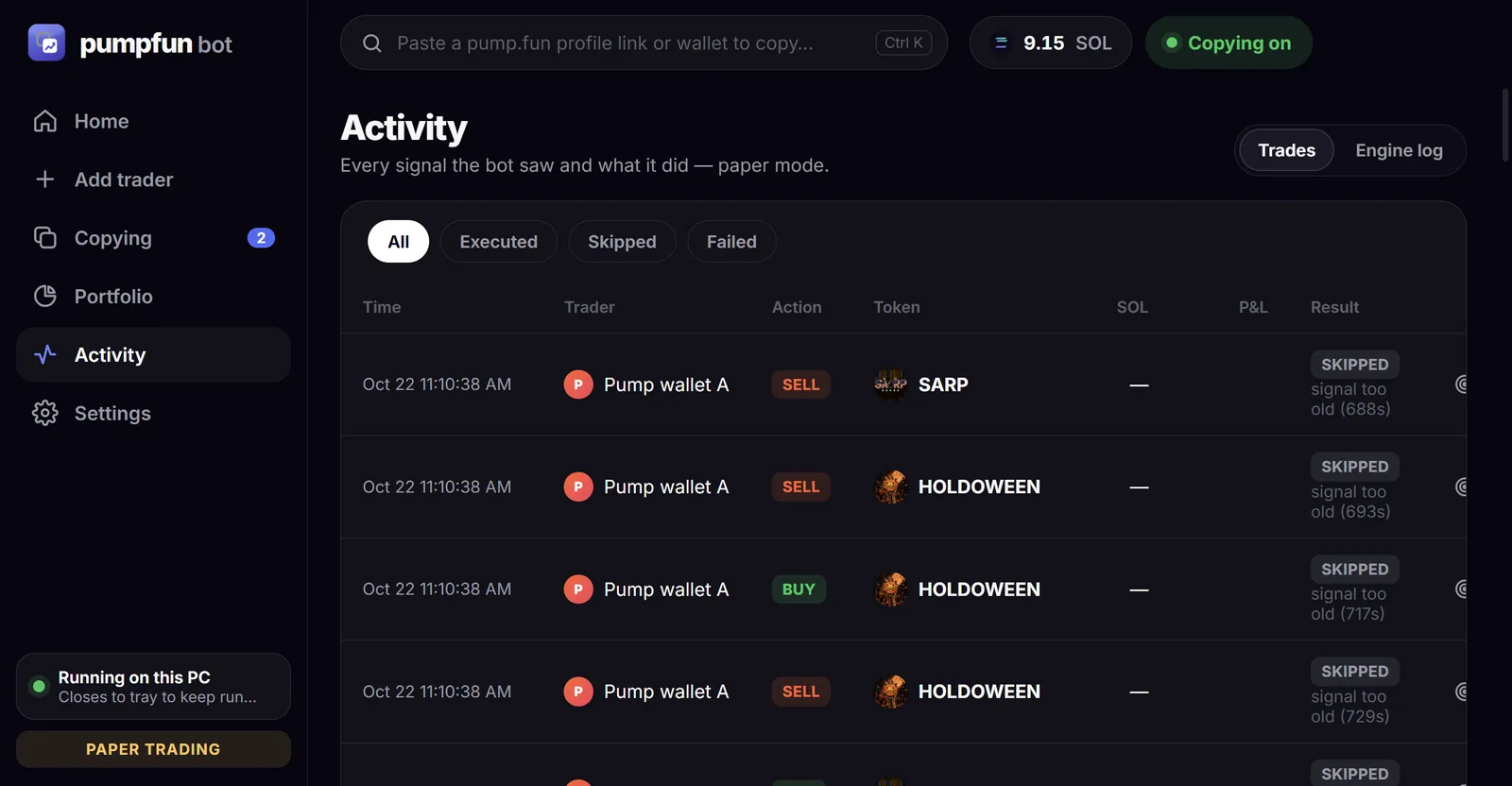
Positions, live P&L, and a full log of every signal — copied, skipped, or failed and why.
Your PC goes to sleep, the trades don't. Install the same app on a PC that stays on and flip one switch — it runs everything there, and stops and trailing stops keep protecting your positions.
autopump  server v1.0.0
Copy-trading engine that keeps running 24/7.

Connect the desktop app
Settings → Connection → "Find servers", or enter:
  192.168.1.50:7420  (Ethernet)
Pairing code: 482 913
Mode: PAPER   Traders: 2/2

21:14:02 • Pump wallet A bought $BONK for 1.2 SOL
21:14:04 ✓ [paper] Bought 5.83M $BONK for 0.1 SOL
21:16:40 • Pump wallet A sold $BONK (30% of bag)
21:16:42 ✓ [paper] Sold 30% $BONK for 0.0302 SOL
No. AutoPump is an independent, unofficial tool and is not affiliated with or endorsed by pump.fun or Fomo Labs. It doesn't log in to fomo or use fomo's systems — it copies Solana wallets you choose.
On pump.fun, open any coin and click a name in its trades list — their profile link (pump.fun/profile/…) contains their wallet. Paste that link into the app. You don't need a pump.fun account.
Anything on Solana — including brand-new pump.fun coins still on the bonding curve and coins that have graduated. Buys and sells go through Jupiter at the best available price.
Nowhere. Import a dedicated trading wallet in Settings; the key is encrypted with a key unique to the machine running the bot. When you pair with a server, the key travels across your LAN encrypted with that pairing's secret.
The .exe isn't code-signed yet, so SmartScreen warns on first launch. Click More info → Run anyway. The app is open source under the MIT license.
Usually 2–5 seconds after the trader's transaction confirms. For best results add a free RPC URL (Helius, QuickNode) and a free Jupiter API key in Settings → Execution.
For "Find servers" and pairing, yes — same Wi-Fi or LAN. The server keeps trading on its own whether or not the desktop app is open.